In place
This is what a break looks like.
The overlay frosts the whole screen — everything behind it softens, and the only thing in focus is the reminder to get up.
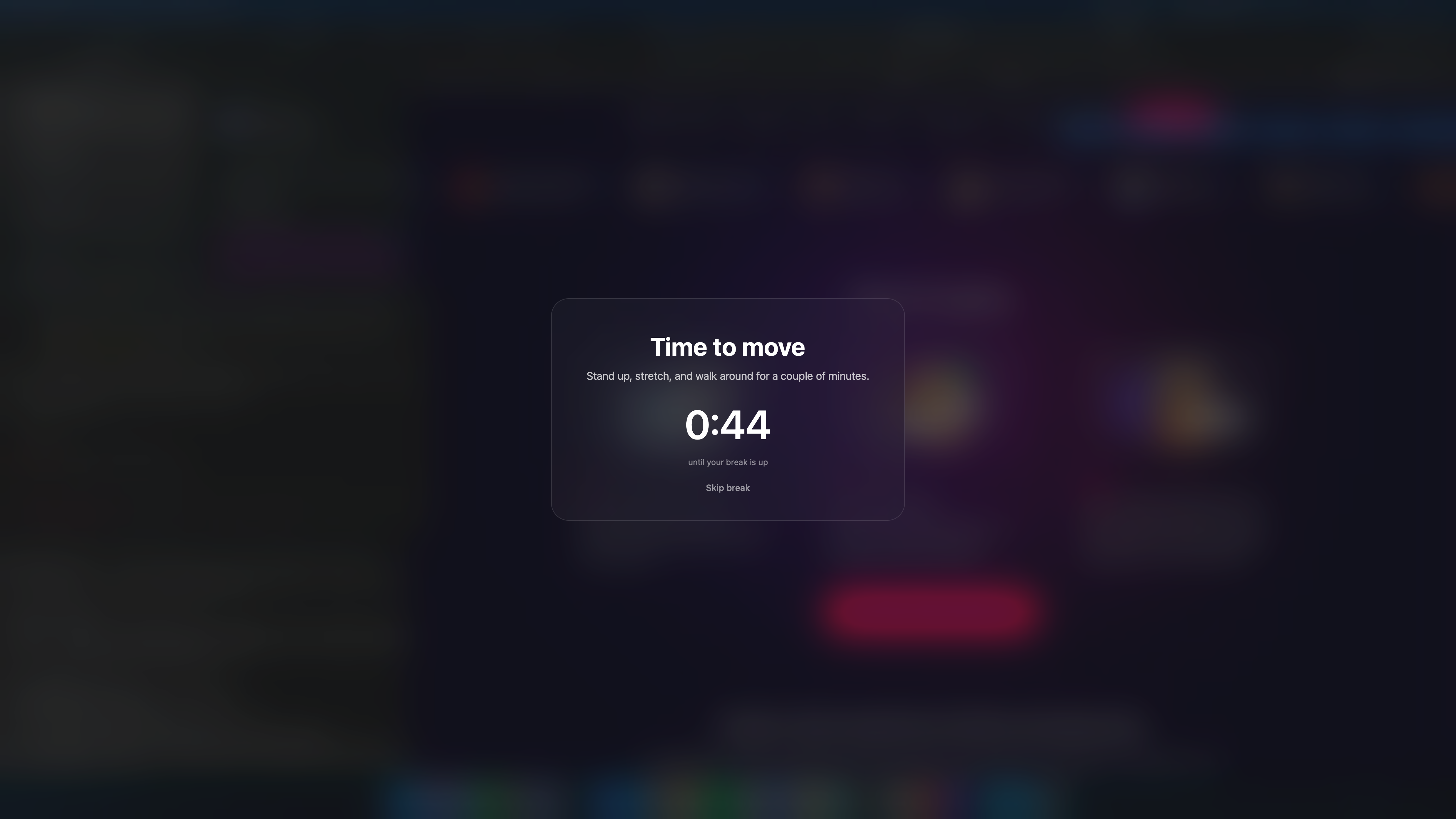
A quiet reminder to stand up and stretch, timed from when you last woke your Mac. Open the lid at 9:17 and it nudges you at 10:17 — never on some rigid, top-of-the-hour schedule.
curl -fsSL https://raw.githubusercontent.com/BigBalli/move-reminder/main/install.sh | bash
requires macOS + Xcode Command Line Tools · ~95 KB binary · no menu-bar icon
Stand up, stretch, and walk around for a couple of minutes.
Most reminders fire on the hour, every hour, whether you just sat down or not. move-reminder counts from the moment your Mac last woke, so every nudge lands a clean hour into actual work.
Close the lid and reopen it later? The count resets — you get a fresh hour before the next break.
A launchd agent checks kern.waketime — the instant your Mac last woke — every few minutes.
When a new whole hour passes since that anchor, and the clock sits inside your window, the overlay fires once.
The display blurs over with a card and a short break countdown. Stay away till it clears, or skip with Esc.
Breaks are spaced an hour from when you woke the Mac, so they never interrupt the moment you sit down.
Fires 9am–6pm by default, every day. Both ends are a one-line edit away.
One Bash script and a ~95 KB Swift binary. No menu-bar icon, no Electron, nothing chewing CPU between breaks.
A launchd agent keeps it alive across sleep, wake, and restarts — set it once and forget it.
A frosted-glass takeover across every display with a live countdown, so the nudge is hard to wave away.
No Swift toolchain? It quietly drops to a simple notification dialog instead of failing.
Open one script and edit the values. Changes take effect on the next run.
# ~/Library/Application Support/move-reminder/move-reminder.sh
START_HOUR=9        # window start (24h, inclusive)
END_HOUR=18        # window end   (24h, exclusive)
INTERVAL=3600      # seconds between reminders
BREAK_SECONDS=120   # length of the break countdown
The overlay frosts the whole screen — everything behind it softens, and the only thing in focus is the reminder to get up.
curl -fsSL https://raw.githubusercontent.com/BigBalli/move-reminder/main/install.sh | bash