How Do You Find the Right Pigment to Match a Color?
You see a color you want, on a leaf, a wall, a photo, and the question is which tube gets you there. Eyeballing it fails because lighting lies and screens distort. A repeatable match needs neutral light, a white reference, and a way to measure color difference that tracks how the eye actually sees. Get those right and the nearest pigment falls out reliably.
Why does eyeballing a color match so often fail?
Human color perception adapts to its surroundings, so the same swatch looks different beside warm wood than beside white paper. Lighting shifts hue, screens add their own bias, and memory of color is notoriously poor. Matching by eye works for rough choices but collapses on close calls, which is exactly where you need accuracy.
The fix is to take the eye out of the measurement and let it judge only the final result. Capture the target with a camera, neutralize the light, and compute the difference numerically. Then your eye does what it is good at, the last confirmation, instead of what it is bad at, holding an exact color in mind across a room.
What is Delta E and why does it matter?
Delta E is a single number for how different two colors look to the human eye, measured in the perceptual CIELAB space rather than raw RGB. A Delta E near 1 is barely perceptible; around 2 to 3 is a close match; above 5 is clearly different. Ranking pigments by Delta E finds the true nearest color, not just the nearest numbers.
RGB distance misleads because equal steps in red, green and blue do not look equal to us. CIELAB was built to space colors the way we perceive them, so a Delta E of 2 means roughly the same visible gap whether the colors are blue or yellow. This is the standard the printing and paint industries use, and it is why a Delta E ranking beats a naive color picker.
How do you capture a color accurately with a phone?
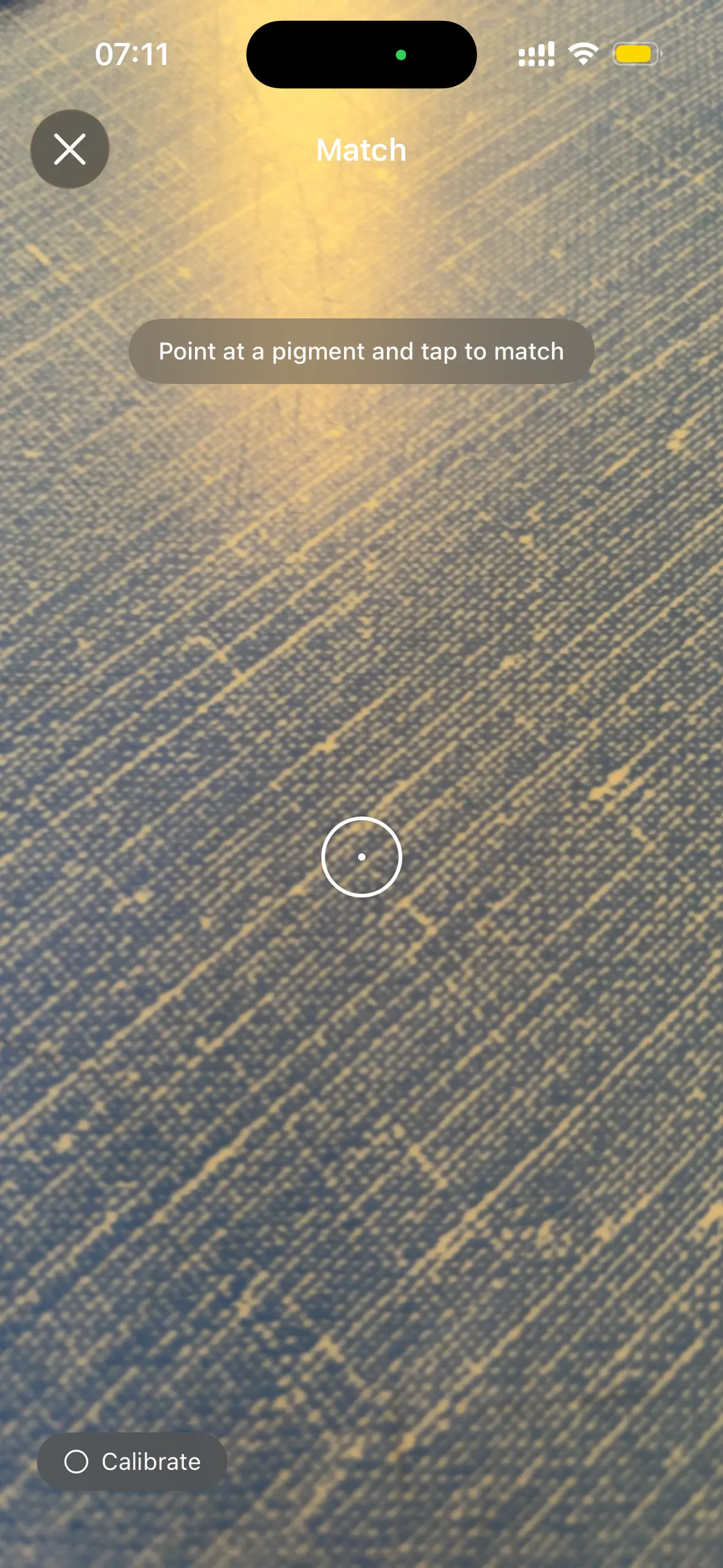
Light the target with even, neutral white light, fill the frame to avoid glare, and include a white or gray card so the software can set white balance. Turn off auto filters and avoid mixed lighting, like daylight plus a warm bulb. A calibrated white balance removes the color cast the camera would otherwise bake into the shot.
White balance is the whole game. A camera under warm light records everything too orange; correcting against a known white reference pulls the reading back to neutral so the measured color is the real one. Pigments includes white balance calibration for this reason, turning an ordinary iPhone capture into a reading you can trust enough to buy paint from.
What if no single pigment matches closely?
When the nearest single pigment still reads a few Delta E away, the target needs a mix. Start from that closest pigment, then nudge with a second to move hue, chroma or value toward the goal. Two or three single pigments handle most targets. Tracking the closest match first keeps the mix short and the result clean.
This is where reading pigment properties pays off. Knowing which neighbor is transparent or strongly tinting tells you how little to add before it takes over. A target slightly too dull asks for a touch of a brighter chroma; one too warm asks for a cooler partner. The Delta E reading guides each step instead of leaving you to guess and overshoot.
Key takeaways
- Eyeballing fails because lighting, screens and memory all distort color; measure instead.
- Delta E rates how different two colors look in perceptual CIELAB space, not raw RGB.
- A Delta E near 2 to 3 is a close match; above 5 is clearly different.
- Capture under neutral light with a white reference so white balance removes color casts.
- When no single pigment fits, start from the closest and nudge with one or two more.
Frequently asked questions
- Can a phone camera really match color accurately?
- Yes, within useful limits, if you calibrate white balance against a neutral reference and shoot under even light. A phone will not replace a spectrophotometer, but with a gray card and no mixed lighting it gets close enough to choose the right pigment. The biggest errors come from colored light and screen glare, both avoidable.
- Why does my matched color look wrong on screen?
- Screens vary in calibration and color gamut, so a pigment that matches in measurement can look off on an uncalibrated display. Trust the Delta E number and a physical swatch over the on-screen preview. If you must judge by screen, view it in neutral light at full brightness and compare against a known reference color.
- Does the surface texture affect the match?
- It does. A glossy surface reflects light differently than a matte one, shifting the measured color, and dried paint can differ from wet. For the closest result, match against the finish you will use and confirm with a dried swatch. The pigment can be right while sheen alone makes two surfaces read as different colors.
- How many pigments do I need to hit most colors?
- A compact palette of one warm and one cool of each primary, plus white, mixes a remarkable range. With six or seven well-chosen single pigments you can reach most natural targets within a low Delta E. Adding earths and a convenience green or two extends the reach without bloating the palette into guesswork.
Color Chemistry & Materials Research, BigBalli. We combine color science and pigment data so matching a real-world color to a tube becomes measurable, not a guess.
Pigments provides reference and educational information about color and art materials. Camera matching depends on lighting and display calibration; confirm any match with a physical swatch before committing paint.